Tick Identification App: Check Ticks by Photo
Use Tick Detector Checker – Ticky to inspect tick photos with visual filters, contrast modes, and simple educational tick ID guidance.

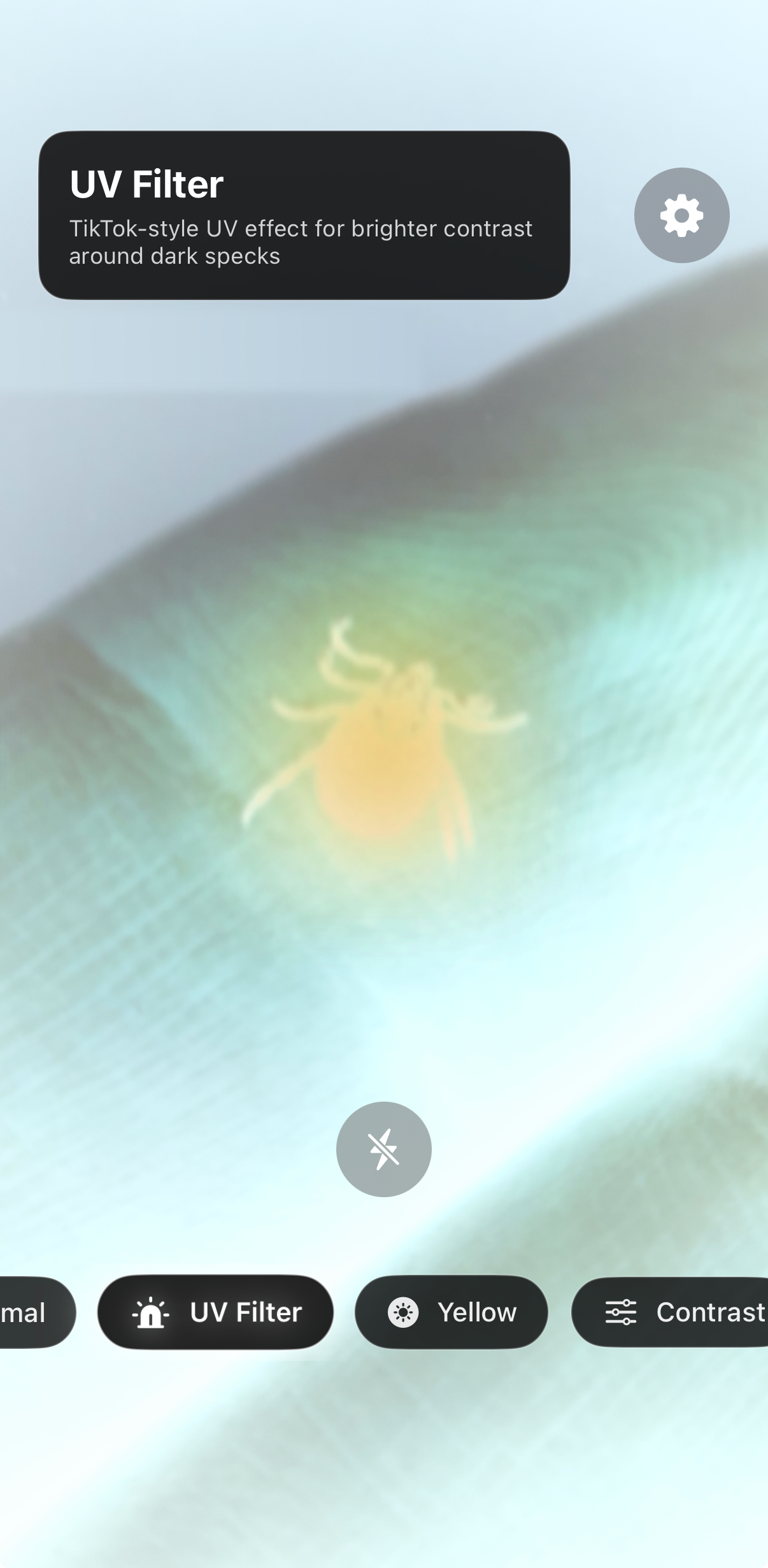
Important: Ticky is an educational photo inspection app. It does not diagnose tick species, disease risk, or medical conditions. If you were bitten, found an attached tick, or have symptoms, contact a medical professional or veterinarian.
What Is a Tick Identification App?
A tick identification app helps you inspect a photo when a tiny dark speck is hard to see. Instead of guessing from a blurry image, you can zoom in, improve contrast, compare visual clues, and save a clearer record of what you found.
Tick Detector Checker – Ticky is built for quick visual checks. It can help with tick ID by photo on skin, dog fur, clothing, bedding, or outdoor gear. The goal is simple: make small details easier to inspect before you decide what to do next.
Photo inspection
Look closer at a tick photo with filters and contrast tools.
Pet checks
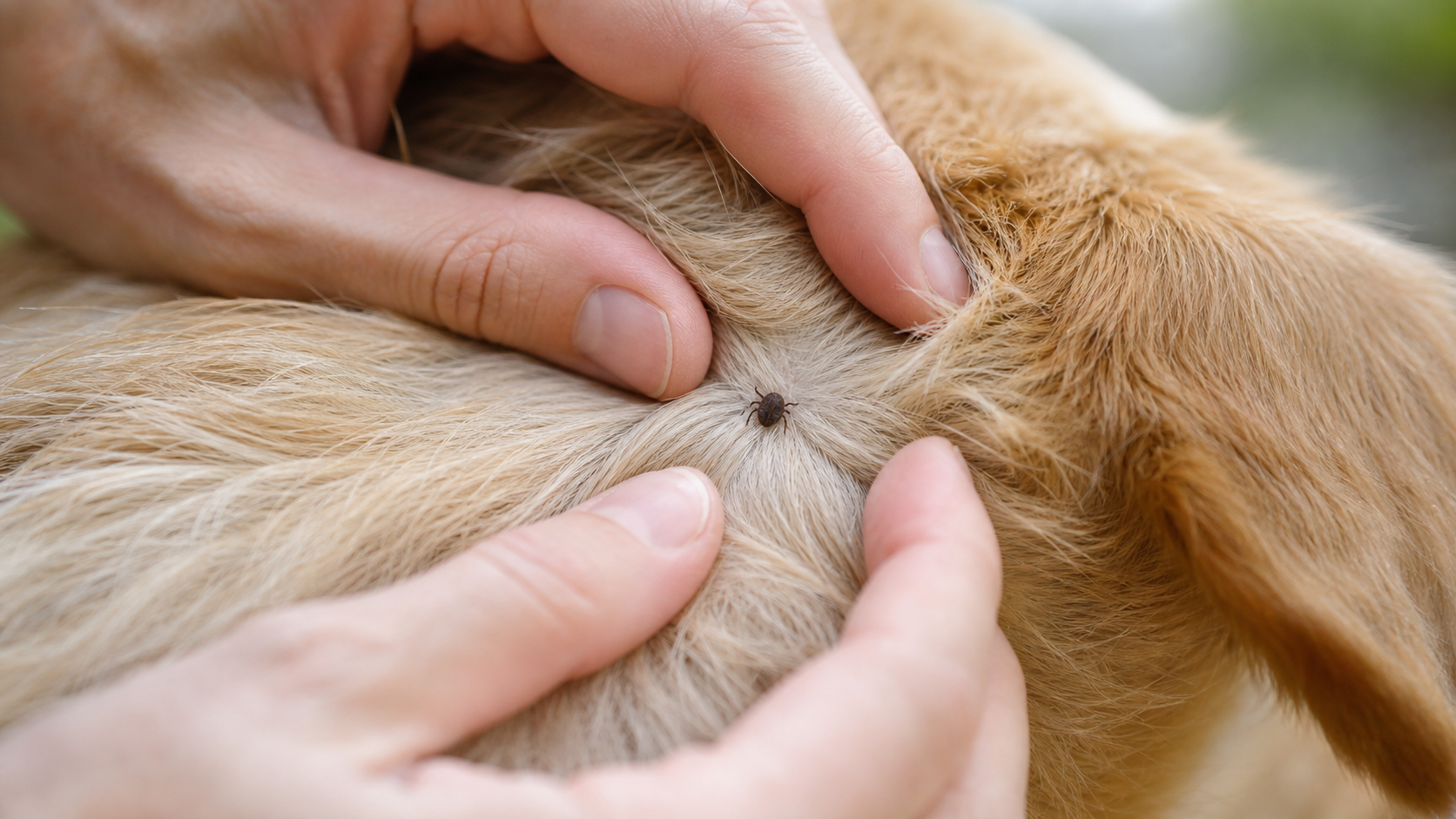
Inspect small dark spots found on dogs, bedding, and fur.
Tick ID guides
Use educational guides to compare shape, size, legs, and markings.
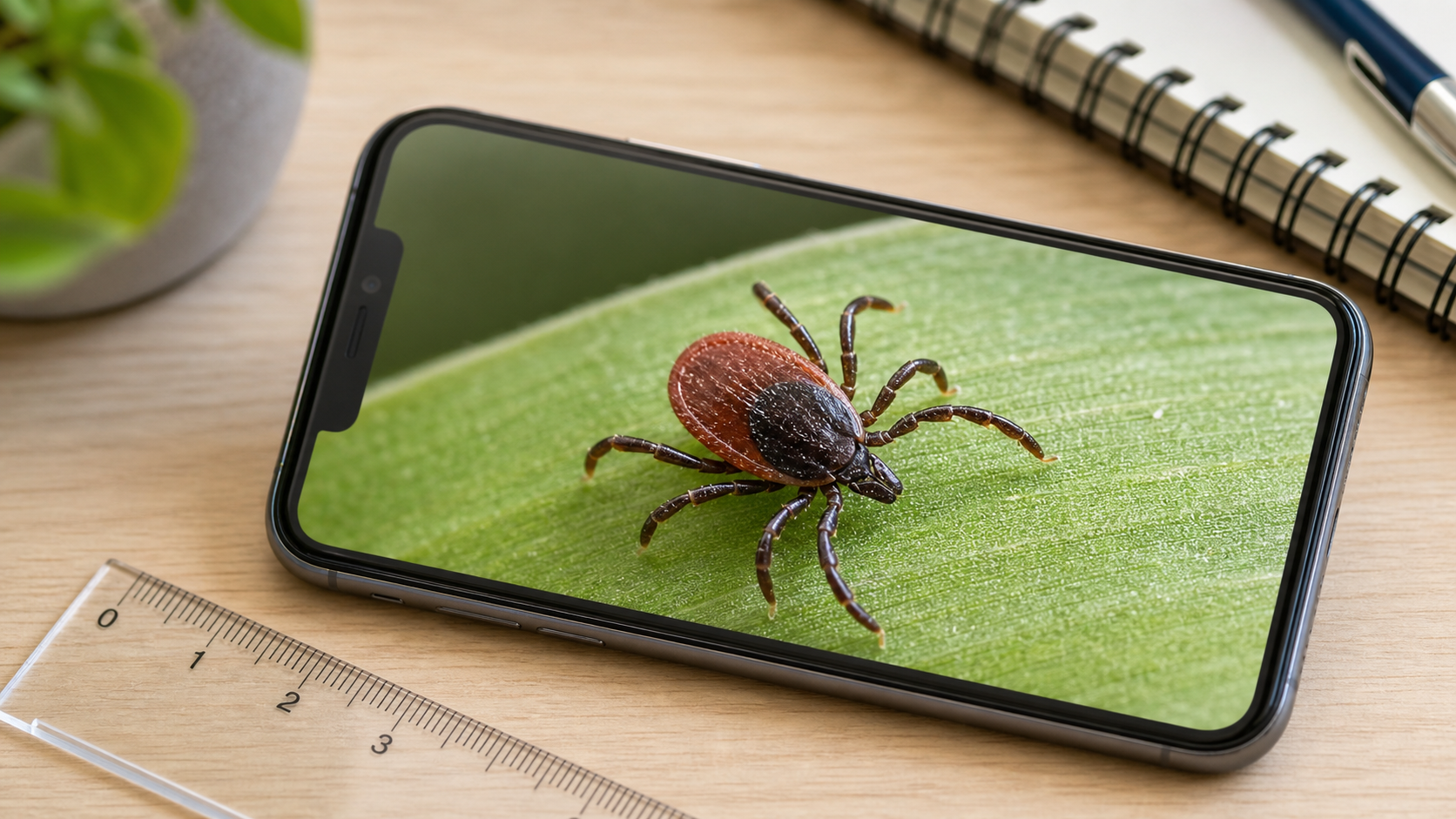
How Ticky Helps With Tick ID by Photo
Many tick photos are difficult to read because the tick is tiny, dark, hidden in fur, or photographed against a busy background. Ticky gives you a focused way to inspect the image instead of relying only on the original photo.
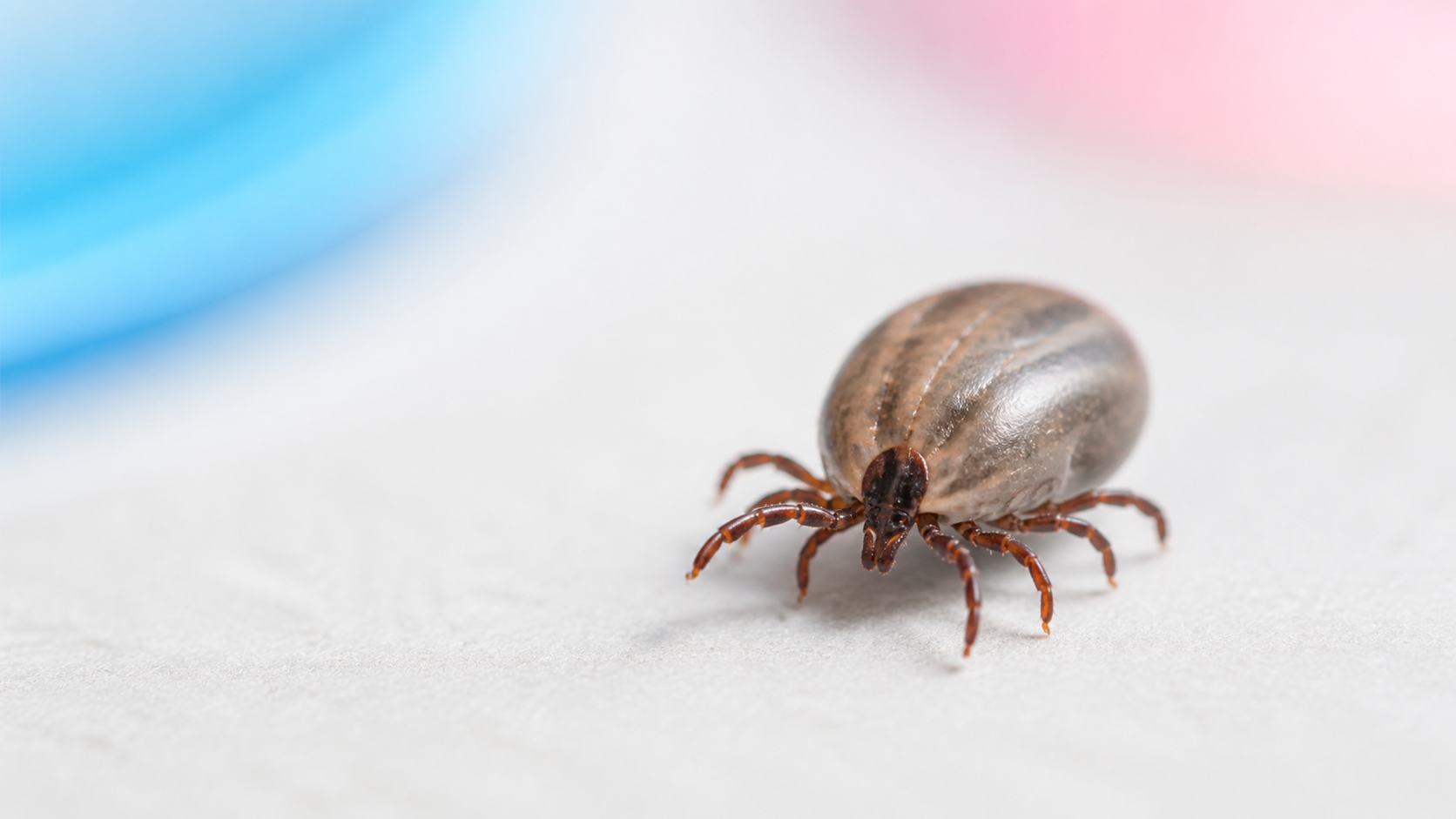
You can use visual filters to make contrast stronger, compare the body outline, and notice details such as legs, markings, body shape, and whether the tick appears flat or engorged. This can make a tick identification chart or guide easier to use.
Check tick photos faster
Use Tick Detector Checker – Ticky to inspect small dark specks, compare photo details, and keep a clearer visual record.
When to Use a Tick Identification App
A tick identification app is useful when you find a small dark spot and want to inspect it more carefully. It can be helpful after a walk, hike, yard work, travel, or after checking a dog or clothing that may have brushed against grass or wooded areas.
You can also use Ticky before saving a photo for your notes. If you later speak with a doctor or veterinarian, a clear photo, date, location, and details about where the tick was found may be useful.
How to Take a Better Photo for a Tick ID App
For the best results, take the photo in bright light and keep the camera steady. If the tick is no longer attached, place it on a plain light surface and add a ruler, coin, or other scale reference. Take one photo from above and one from the side.
If a tick is attached to skin or a pet, do not delay removal just to get a perfect image. Take a quick photo if possible, then follow official guidance or ask a professional for help.
Tick Identification App FAQ
Can an app identify a tick from a photo?
A tick identification app can help you inspect and compare visual details in a photo. It is useful for education and documentation, but it should not be treated as a medical or veterinary diagnosis.
Is Ticky useful for dog tick photos?
Yes. Ticky can help you inspect small dark spots found in dog fur, bedding, collars, or outdoor gear. For pet health questions, contact your veterinarian.
What makes a tick photo easier to inspect?
Good light, a plain background, sharp focus, and a size reference make the photo more useful. Try to capture the tick from above and from the side when possible.
Does Ticky replace medical advice?
No. Ticky is an educational photo inspection tool. If you were bitten, have symptoms, or are worried about disease risk, contact a healthcare professional.