Nymph Tick Identification: How to Spot Tiny Ticks
Learn nymph tick identification basics, why tiny ticks are easy to miss, and how clear photos can help you compare size, shape, and markings.
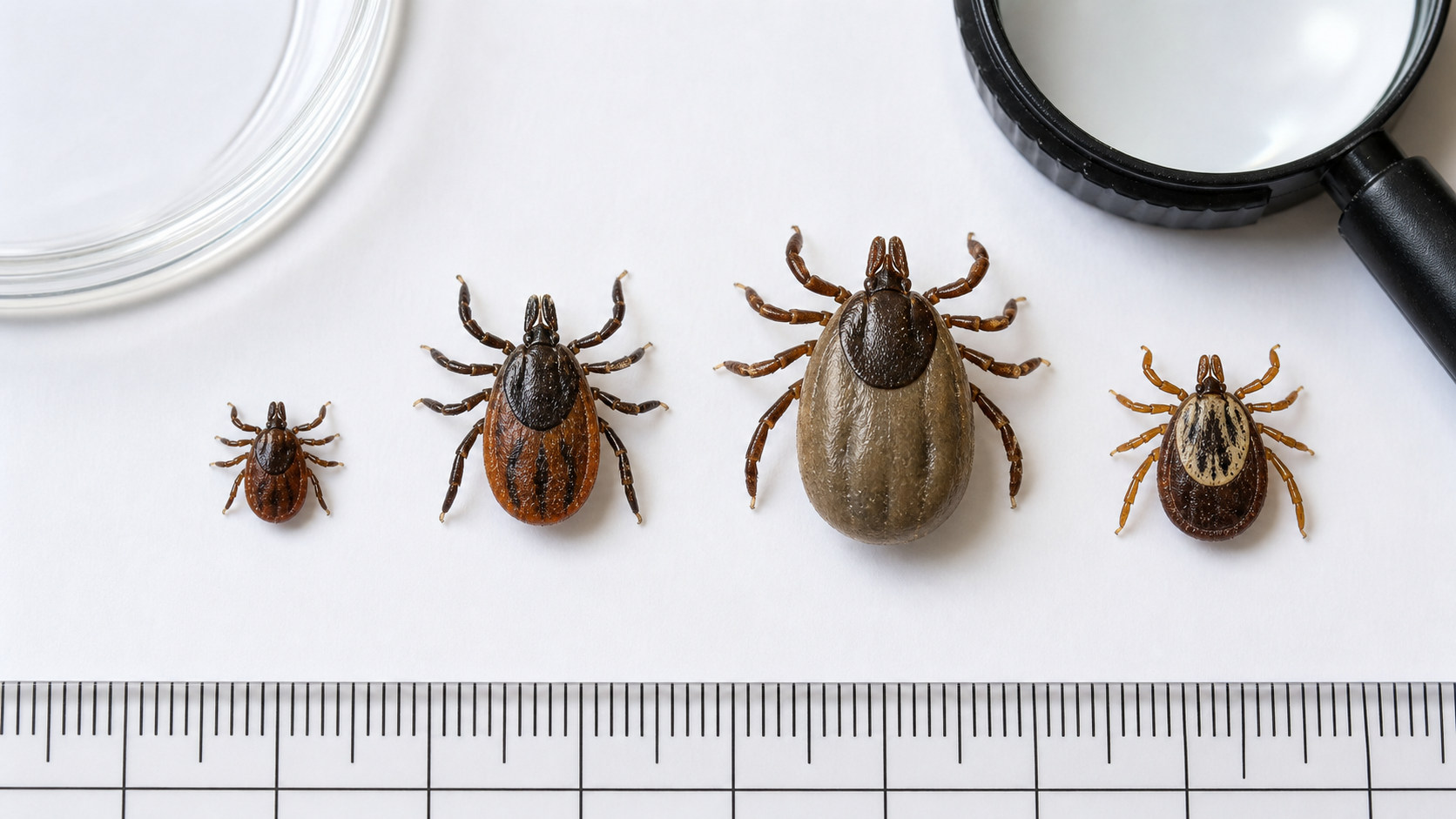
Important: Ticky is an educational photo inspection tool. It does not diagnose tick species, disease risk, or medical conditions. If a tick was attached to a person or pet, follow official guidance and contact a medical or veterinary professional when needed.
What Is a Nymph Tick?
A nymph tick is an immature tick stage between larva and adult. Nymphs are often much smaller than adult ticks, which is why they can be difficult to notice on skin, dog fur, clothing, bedding, or outdoor gear.
Nymph tick identification is usually harder than adult tick identification because the body can be tiny, dark, and partly hidden. A clear close-up photo with a size reference can make comparison easier, especially when the tick is on a light background.
Small size
Nymph ticks may look like a tiny dark speck, seed, or dot at first glance.
Hard to focus
Phone cameras may blur very small ticks unless you use bright light and steady hands.
Easy to miss
Fur, fabric, grass, and skin texture can hide the outline of a small tick.
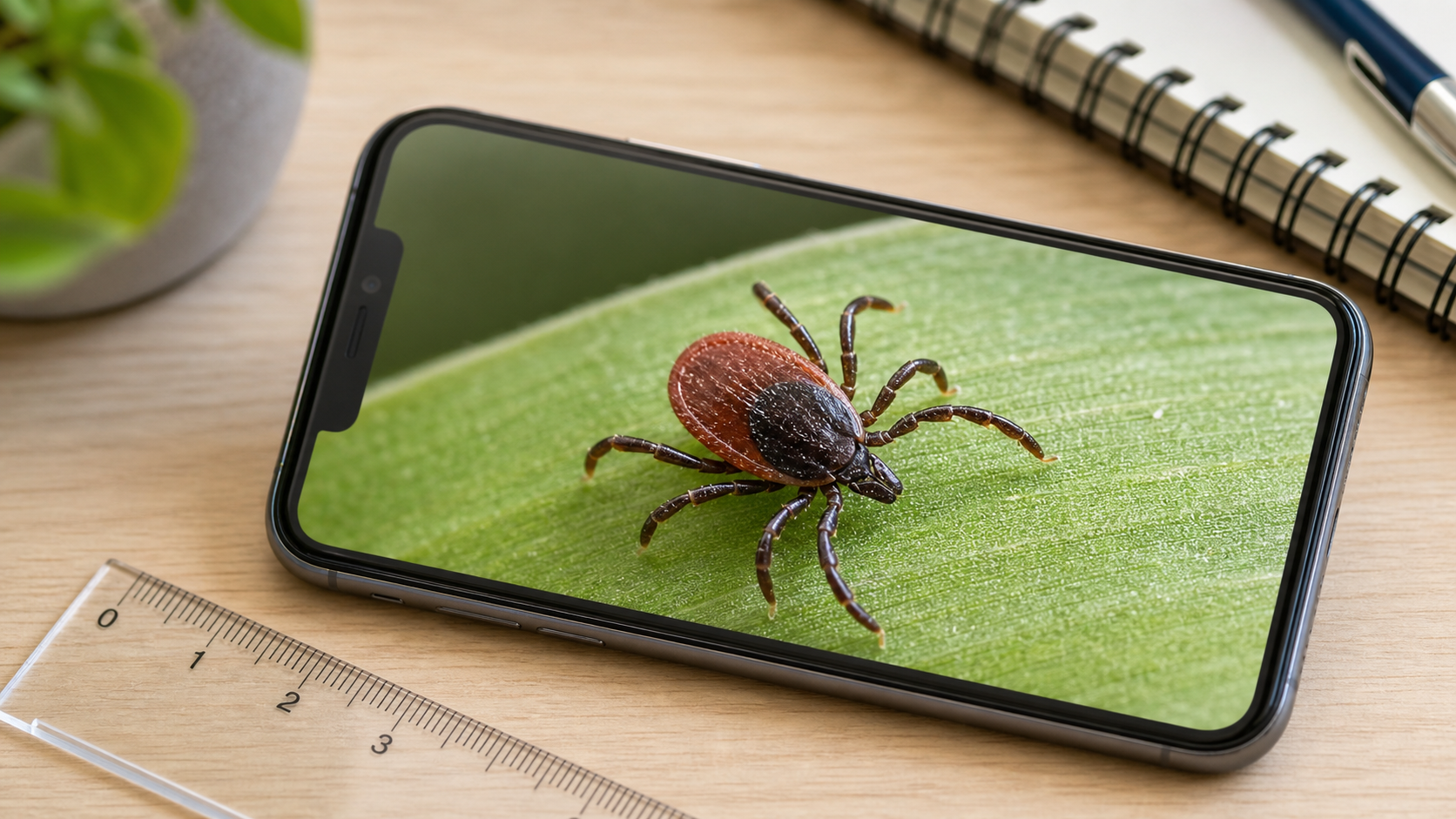
Nymph Tick Identification Clues
When comparing a possible nymph tick, start with the body outline. Look for a compact oval shape, visible legs, and a dark or reddish-brown body. If the photo is sharp enough, check whether the object appears attached to skin or tangled in fur rather than simply resting on top.
Because nymphs are small, color alone is not reliable. Lighting, shadows, camera filters, and background color can change how the tick looks. Try to compare several clues together: size, legs, body shape, location, and whether the speck changes position when brushed gently.
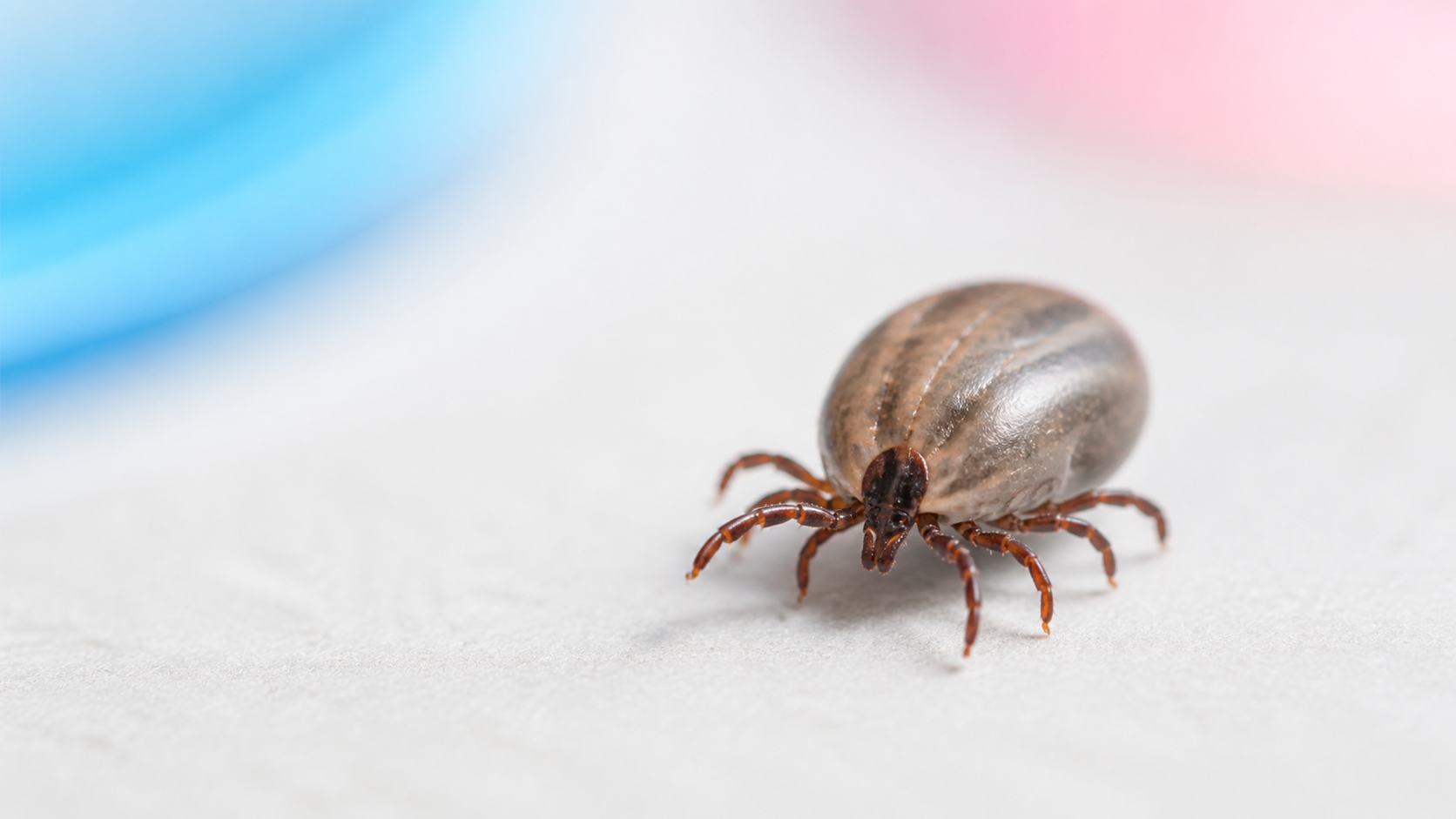
How to Photograph a Tiny Tick
For better nymph tick identification, use bright light and a plain background. If the tick is no longer attached, place it on white paper or another light surface and add a ruler, coin, or other familiar object for scale.
Take more than one photo. A top-down photo can show the body outline, while a side photo can show whether the tick is flat or swollen. If your camera will not focus because the tick is too small, move slightly farther away and crop the image later.
Use Ticky to Inspect Small Tick Photos
Tick Detector Checker – Ticky can help you look closer at small dark specks. Visual filters and contrast modes may make it easier to inspect a tiny tick photo when the original image is hard to read.
This is useful for dog fur, clothing, bedding, skin checks, and outdoor gear. Ticky does not replace expert identification, but it can help you keep a clearer record before comparing a guide or speaking with a professional.
Check tiny tick photos faster
Use Ticky to inspect close-up photos, adjust contrast, and compare small visual details.
Where Tiny Ticks Are Often Missed
Tiny ticks can be missed in places where skin or fur creates shadows. On people, check behind the knees, around the waistline, under arms, around hairlines, and anywhere clothing fits tightly. On dogs, check ears, neck, collar area, paws, belly, and tail base.
If you were outdoors in grass, brush, leaf litter, or wooded areas, check clothing and gear as well. Small ticks can cling to fabric before reaching skin or fur. A careful check after outdoor activity is often easier than trying to identify a tick only after it has been attached for a long time.
When a Photo Is Not Enough
A photo can help with visual comparison, but it cannot confirm disease risk. If a tick was attached, remove it promptly if you can do so safely. The CDC tick bite guidance recommends clean fine-tipped tweezers, grasping close to the skin, and pulling upward with steady pressure.
If you develop a rash, fever, aches, or other concerning symptoms after a tick bite, contact a healthcare provider. For pets, contact your veterinarian if the tick is difficult to remove, the bite area looks irritated, or your pet seems unwell.
Nymph Tick Identification FAQ
Can I identify a nymph tick by photo?
A clear photo can help you compare size, shape, legs, and markings. It is useful for documentation and visual comparison, but it does not replace expert advice.
Why are nymph ticks hard to see?
Nymphs are small and can blend into skin, fur, fabric, or outdoor debris. Good light and a plain background make photos easier to inspect.
Should I wait to take a perfect photo before removing a tick?
No. If the tick is attached, do not delay removal just to get a better photo. Take a quick image if possible, then remove it safely.
Can Ticky diagnose a tick bite?
No. Ticky is an educational photo inspection app. Contact a medical or veterinary professional for symptoms, disease risk, or treatment decisions.